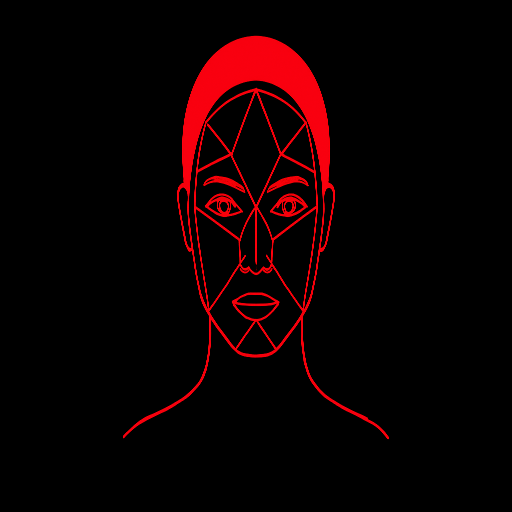
How to take a face-shape photo that is easier to analyze
A practical camera, lighting, pose and crop checklist for a clearer face-shape estimate from a single portrait.
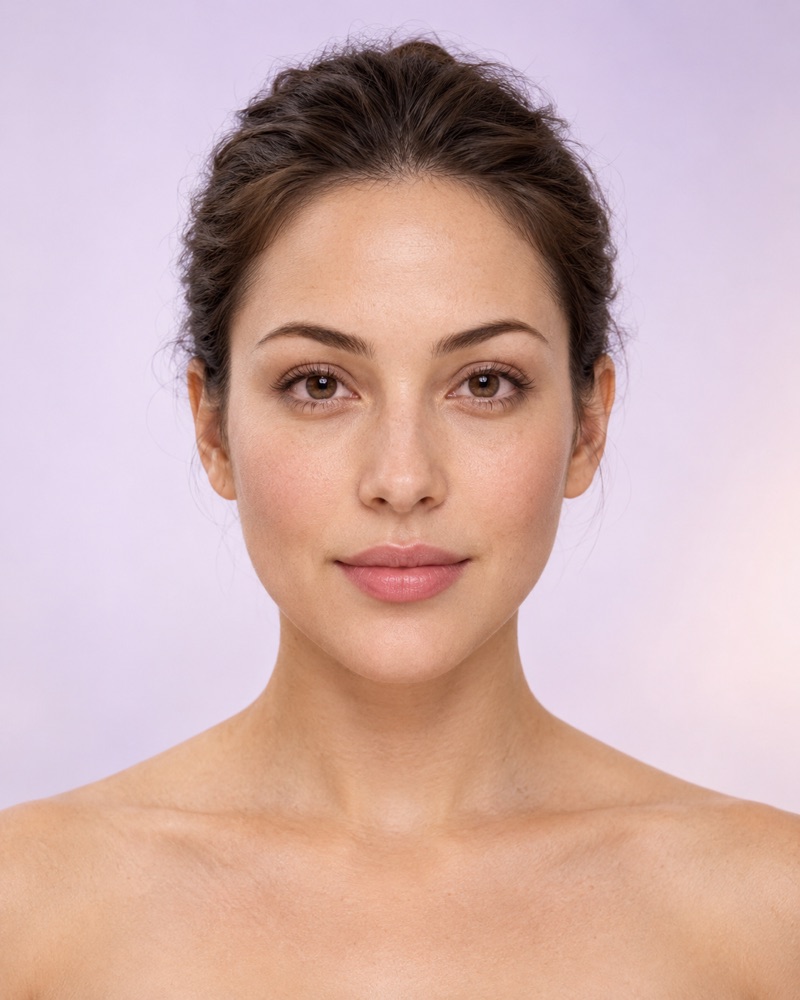
A face-shape detector can only interpret the two-dimensional outline in the photo it receives. Camera position, lens perspective, hair, pose and crop can change that outline before the landmark model sees it. A careful photo will not make a subjective category scientifically exact, but it can remove avoidable errors and make the overlay easier to inspect.
Set up the image before uploading
Distance
Step back far enough to avoid a very close wide-angle selfie. A head-and-shoulders view is a useful starting point.
Camera height
Keep the lens close to eye level. Looking down can narrow the jaw; looking up can enlarge the lower face.
Light
Use soft, even light from the front. Avoid a bright window behind you or a hard shadow across one cheek.
Outline
Move hair, hats and hands away from the forehead, temples, cheeks and jaw. Remove glasses for the analysis photo.
Why distance matters more than megapixels
A sharp image can still have strong perspective distortion. When a phone is held close, the parts nearest the lens occupy more of the frame. The nose and central cheek area can look larger relative to the temples and ears. Stepping back and cropping later usually produces a more neutral outline than moving the phone close to fill the screen.
Keep enough resolution for the detected face to be at least a few hundred pixels tall. This site rejects a very small face, but passing that check does not guarantee perfect landmarks. Focus, motion blur and compression can still affect edge placement.
Crop or use the full photo?
Crop when background dominates
Crop empty space while keeping the entire forehead, both cheek edges, the jaw corners and the chin. Start at 100% zoom. A crop that cuts off the upper forehead or chin removes two endpoints used by the length measurement.
Use full photo when already centered
Keep the original image if the face is clear, upright and reasonably large with little distracting background. The result preview will fit the full image without stretching it and draw the measured spans on top.
Use the overlay as a quality check
The displayed lines should sit on the forehead or temple contour, cheek span, lower jaw and face length. If a line crosses hair, beard, shadow or empty background, reset and try another image instead of trusting the category.
Photos to retake
- One ear is much more visible than the other: the head is turned.
- The eye line slopes: the head or camera is tilted.
- The camera looks noticeably down or up at the face.
- A smile changes cheek width or jaw tension substantially.
- Hair, beard, glasses, a hand or a strong shadow hides the outline.
- A beauty filter reshapes the jaw, eyes, cheeks or forehead.
A repeatable two-photo check
- Take one level, evenly lit head-and-shoulders portrait.
- Move slightly farther back and take a second portrait without changing expression.
- Analyze both without an aggressive crop.
- Compare the top two profiles and ratios, not only the main label.
- If results differ, use the manual calculator or borrow ideas from both.
Repetition exposes sensitivity to the input; it does not create a scientific confidence score. Read the accuracy and limitations guidefor more context.
Ready to explore your own proportions?
Try the photo analyzer or use the manual calculator. Keep the result in perspective: your style is yours to choose.